
Turn your sample collection into playable kits. Engine brings together 16 colour-coded pads, tag-driven kit randomisation, per-pad sound shaping and eight macros in one focused drum sampler.
This plugin is on its way. Check back for the release.
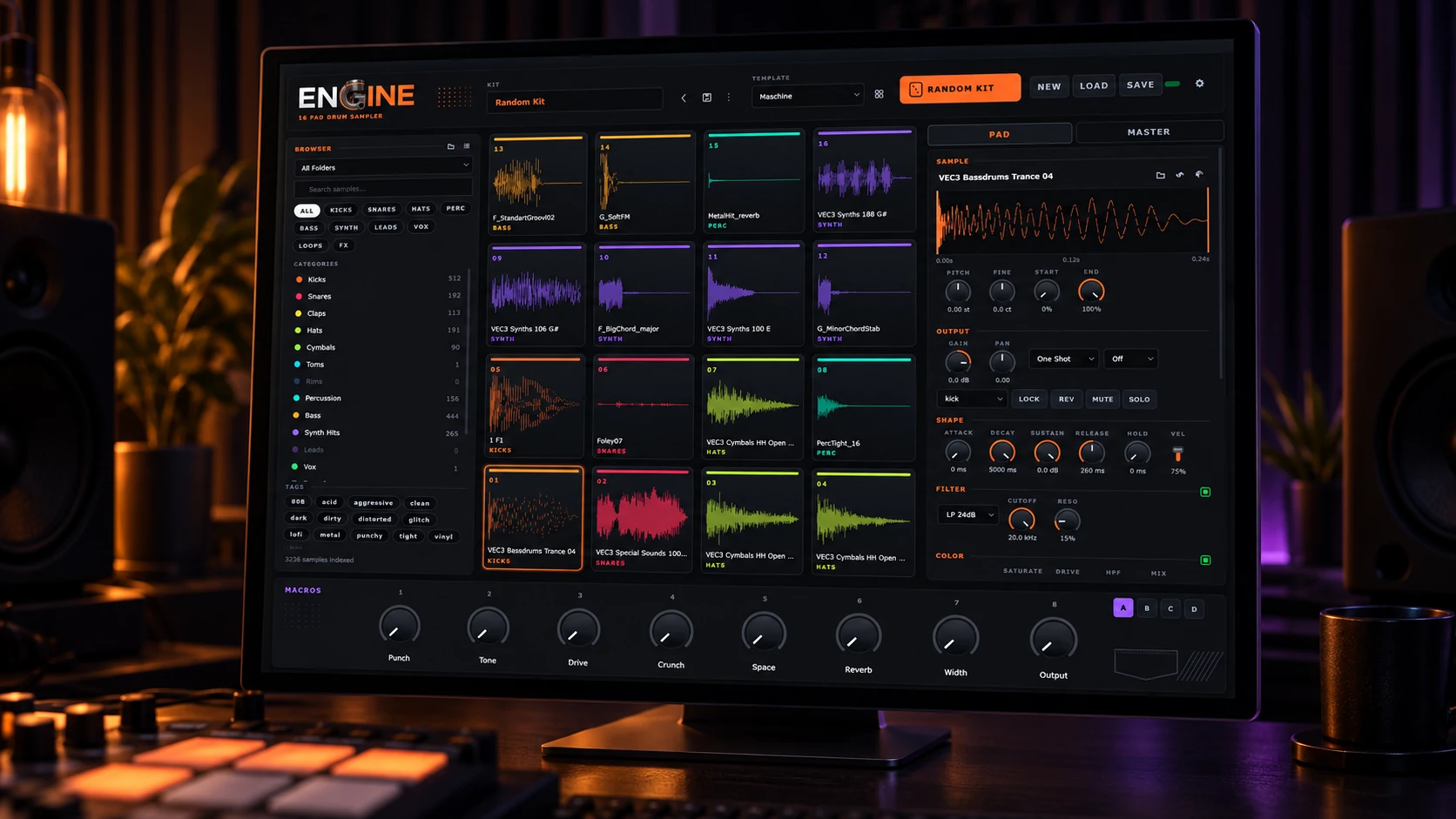
A drum machine built around your collection.
Put your favourite hits under your fingers. Engine's 16 pads show each sample's waveform and take their colour from its category, so kicks, snares, hats and melodic hits are easy to pick out. Load sounds from the browser or drag them straight from your files, then play with MIDI, the keyboard or the pads themselves.
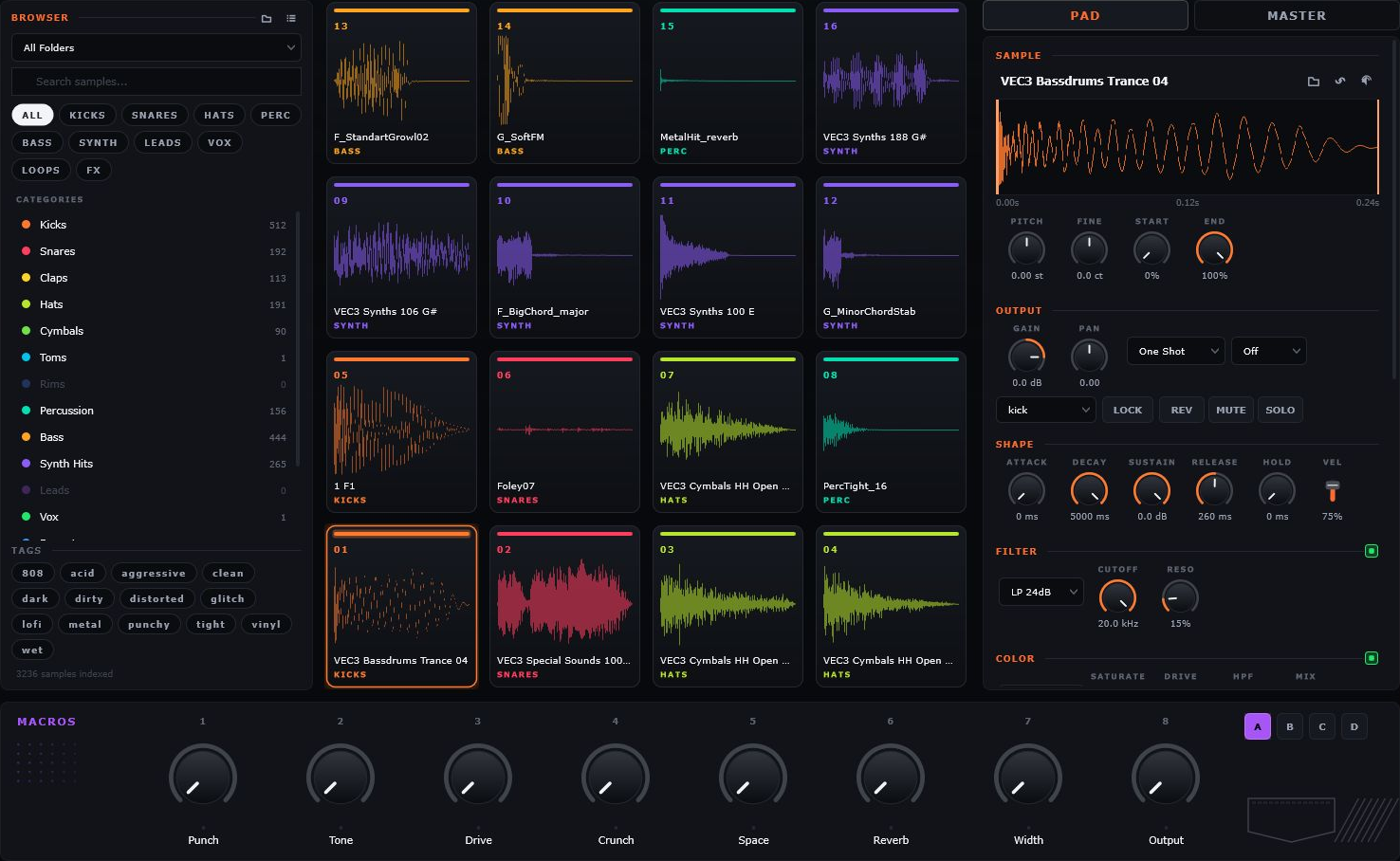
Less searching. More finding.
Bring your sample folders into one searchable library. Filter by category, narrow the results with tags, and audition a sound before loading it onto a pad. Prefer to work through a pack folder by folder? Switch to the folder view.
Engine builds initial tags from file and folder names, with optional audio analysis for samples it cannot identify. Add your own tags to individual sounds, multiple selections or whole folders.
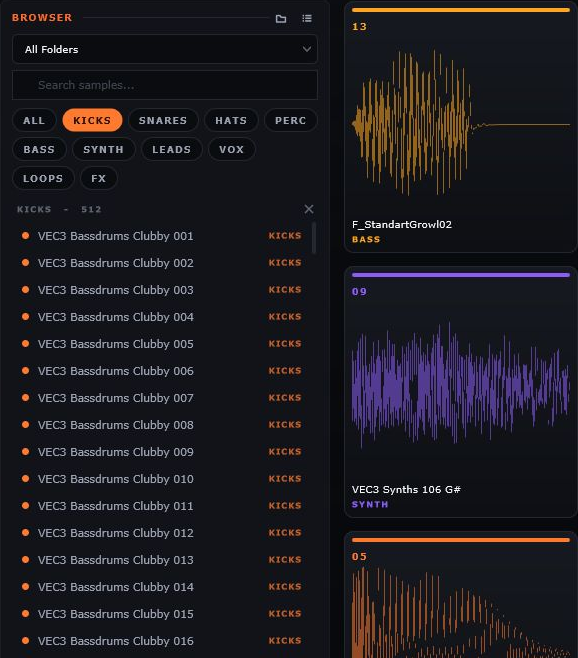
Keep the good parts. Roll the rest.
Random Kit fills your pads with sounds matched to their roles. Find a kick and snare you love, lock those pads, and keep exploring the rest of the kit. You can also reroll a single pad when just one sound needs to change.
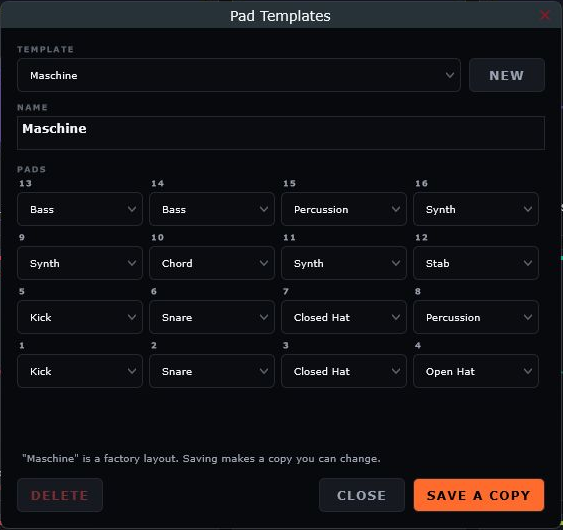
Start with a factory layout such as Trap, Electronic or Percussion, or build a template of your own. Decide where each kind of sound belongs, then let your library supply the possibilities.
Make every hit fit.
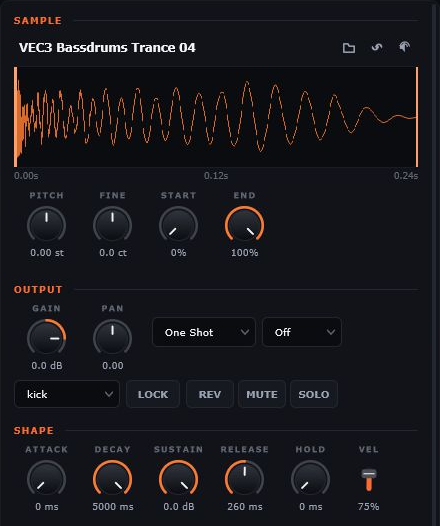
Trim the start and end against the waveform, tune a kick, reverse a texture or reshape a tail with the envelope. Choose one-shot or gate playback, set the level and pan, and use choke groups to make sounds cut each other off.
Swapping a sample resets its trim while keeping the rest of that pad's settings. Try another sound through the channel strip you've already shaped.
Character on every channel.
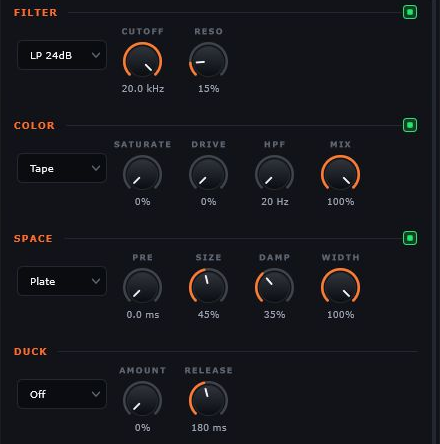
Give each pad its own treatment. Filter the tone, add tape or tube colour, push into wavefolding or bit crushing, and place the sound in a room, plate, hall or ambience. Each pad also has EQ and dynamics for more focused shaping.
Use Duck to let one pad make room for another: a kick can pull down a bass hit, or an entire choke group can drive the ducking. The pad's reverb tail follows the duck too.
Eight controls. A whole kit in motion.
Assign several parameters to a macro and choose how far each one moves. Build a single control for punch, a shared filter sweep or a transition into space. Rename the macros to suit the kit and automate them from your DAW.
Four snapshot banks recall the eight macro positions. Keep a dry version in A, open it up in B and switch between the variations as you work.

Bring the kit together.
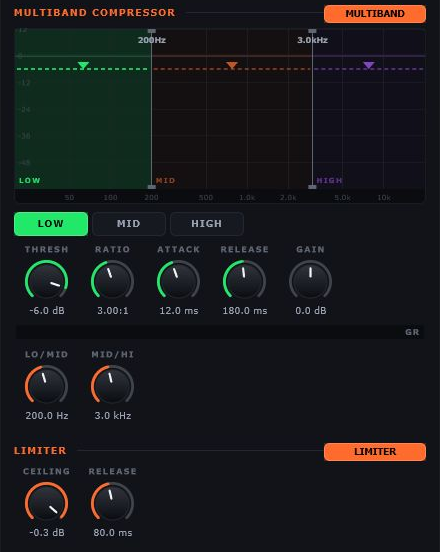
The master bus puts EQ, a three-band compressor, output gain and a limiter after the pads. Control the low-end weight, midrange punch and high-end energy independently, then set the final output ceiling.
Drag crossover lines and thresholds directly in the compressor display. Select a band for its detailed controls while the graph keeps all three in view.
Ready for your workflow.
- VST3 plugin and standalone application.
- 16 pads mapped to MIDI notes 36–51, with mouse and computer-keyboard playback.
- Resizable interface with selectable display scaling.
- Save kits with pad settings, sample references, templates, macro assignments and snapshots.
Bring your own samples. Screenshots show an example user library. Kits reference samples in their existing locations, so keep those files available when reopening a kit.
Features
- 16 pads with individual sound shaping
- Tag-driven Random Kit with pad locks
- Eight assignable macros and four snapshots
- Master EQ, three-band compression and limiting
Designed for Action
Every control is placed exactly where you need it.
Get Engine
VST3 · Standalone · Licence key delivered to My Products.